
How to download a Facebook video
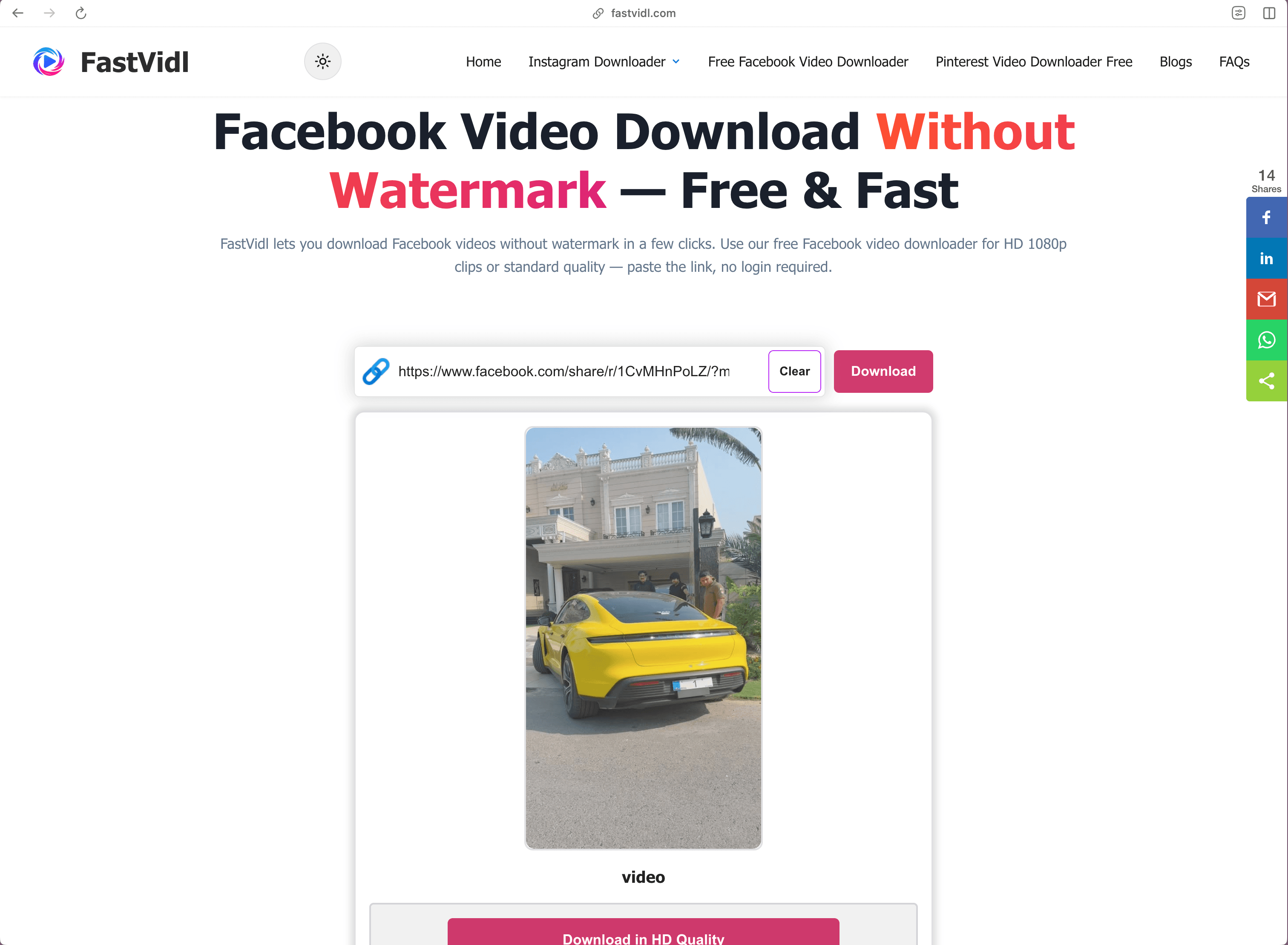
Copy the public video link from Facebook, paste it into the box at the top of this page, and tap Download. The whole process takes about ten seconds.
- Open the public video or Reel on Facebook.
- Tap Share and choose "Copy link".
- Paste the link here and tap Download.
- Save the MP4 to your device.
On iPhone
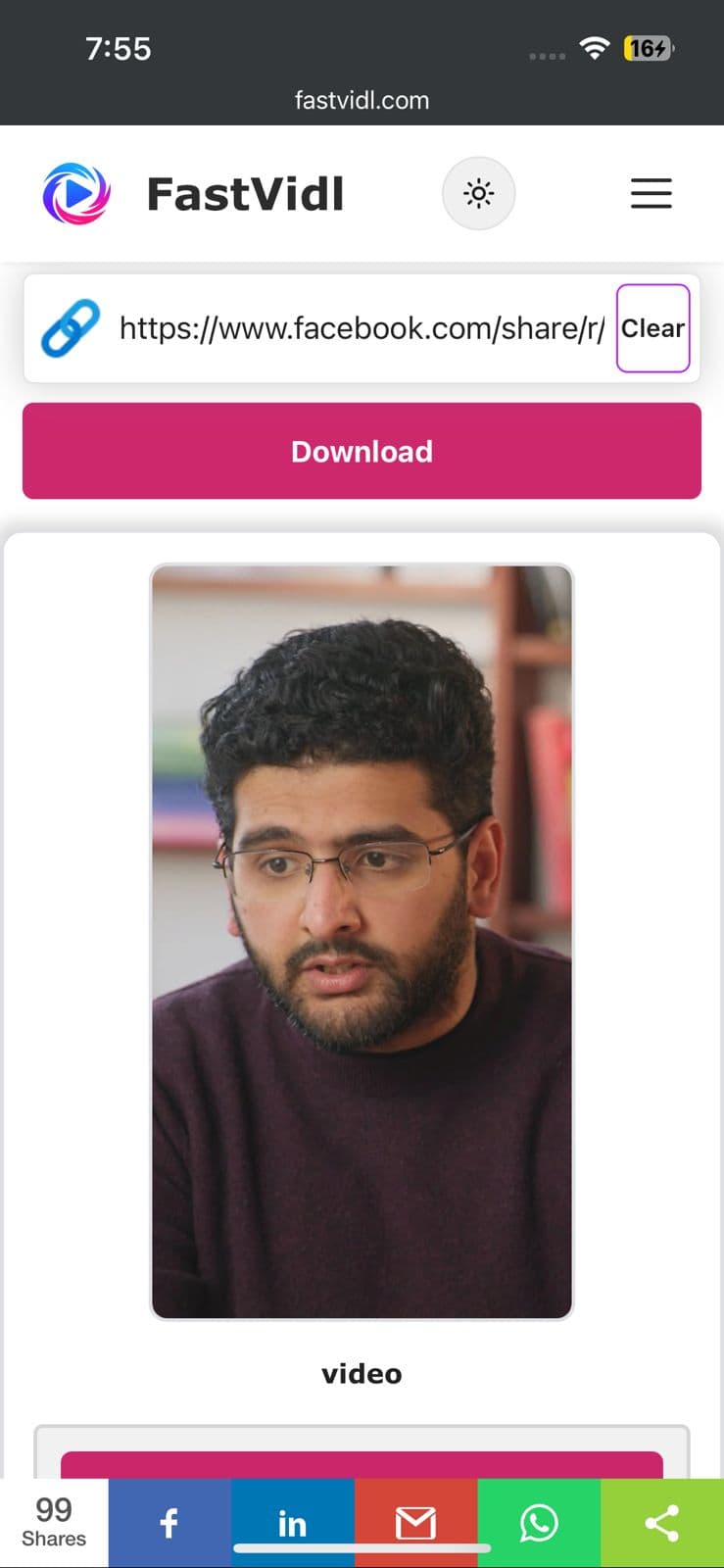
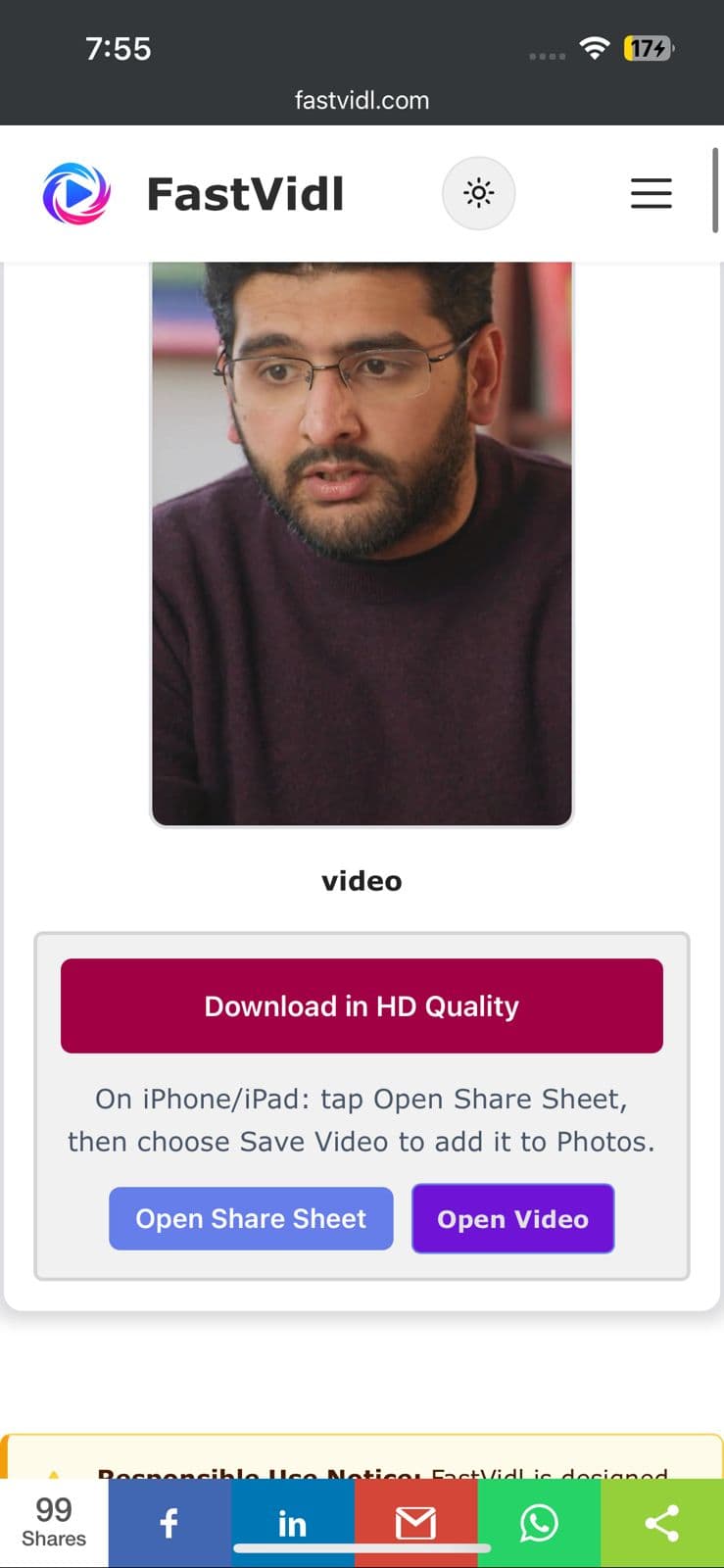
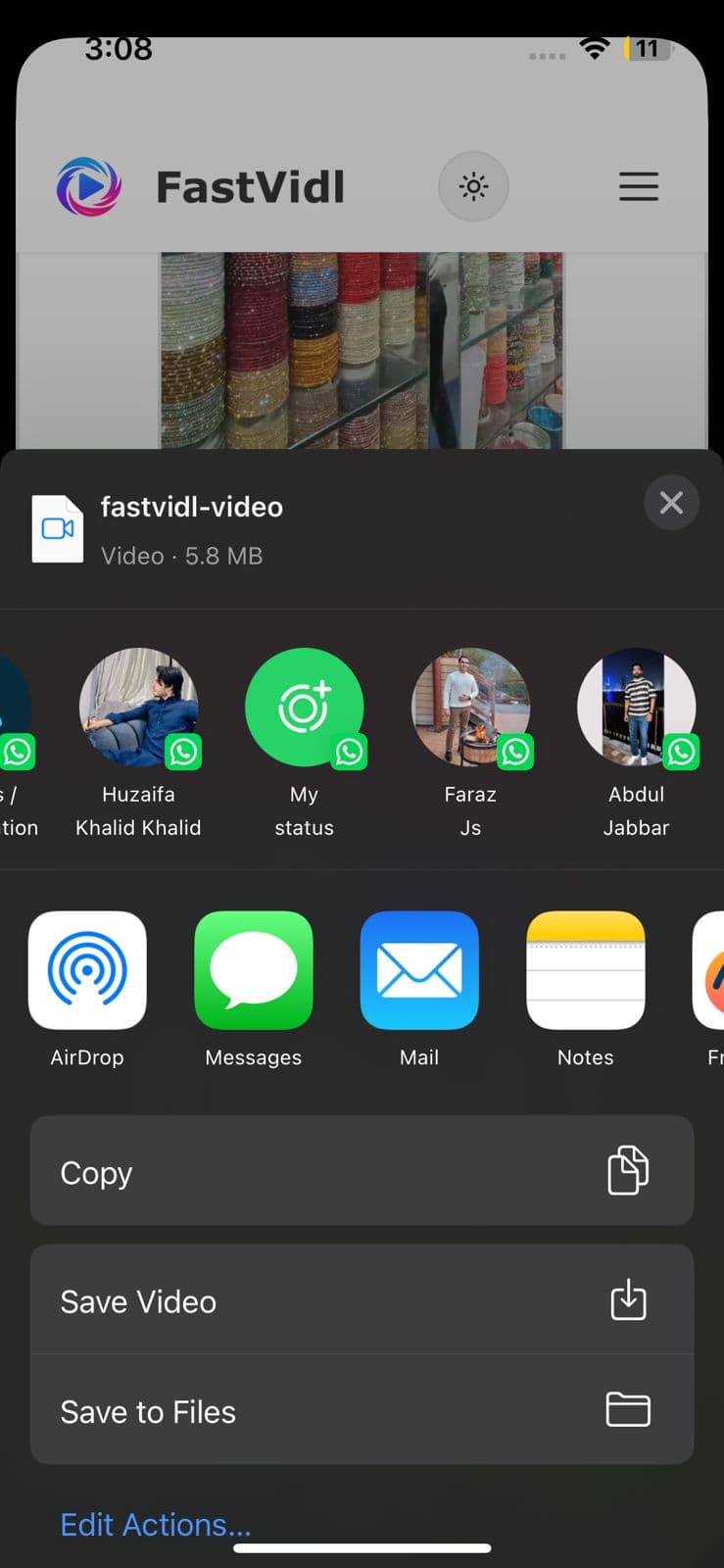
Copy the link from the Facebook app, open this page in Safari, paste, and download. Use Open Share Sheet → Save Video for Photos, or save to Files first.
On Android
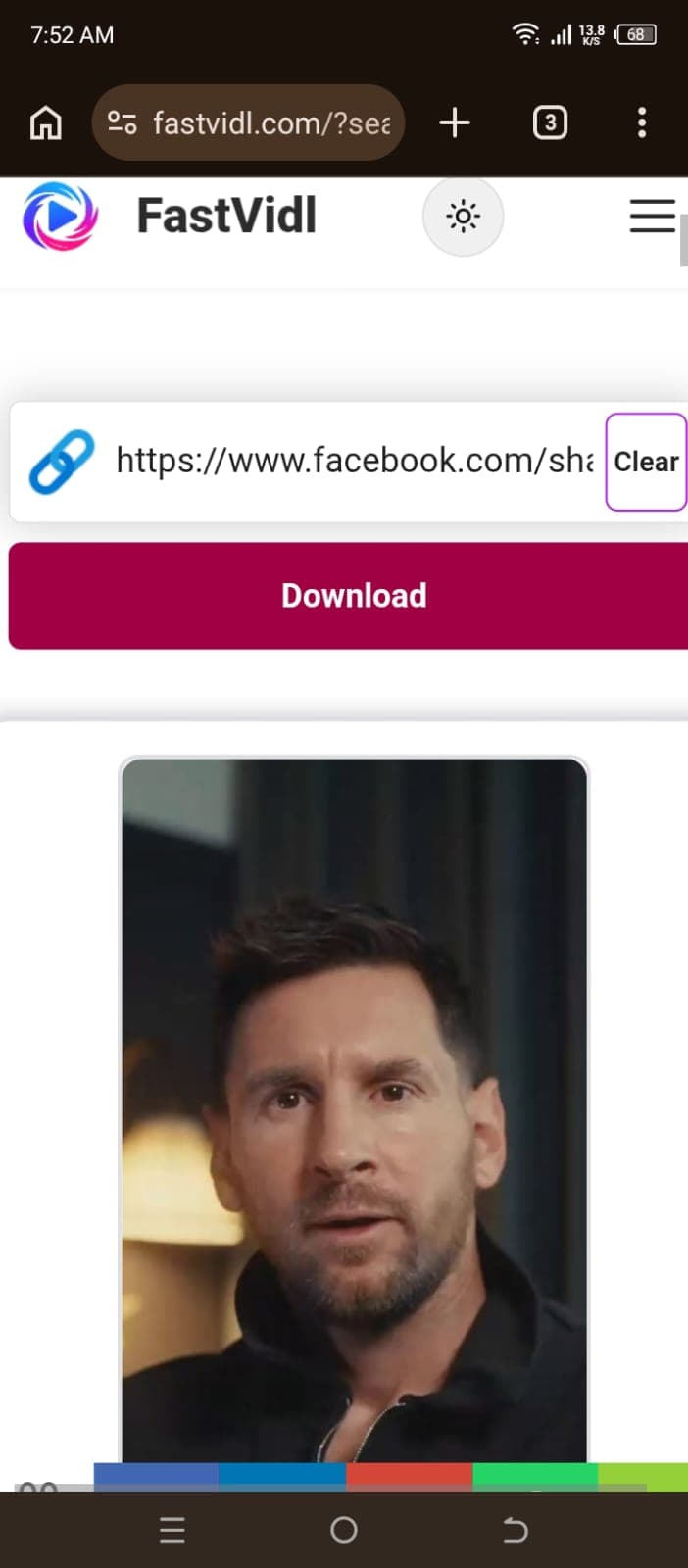
Copy the link, open this page in Chrome, paste, and download. Files usually appear in Downloads and your gallery.
On Windows or Mac
Copy the video URL from the address bar or Share menu, paste it here, and click Download.
How to download Facebook Reels
Facebook Reels use the same workflow: copy the reel link (the URL usually contains /reel/), paste it into FastVidl, and save the MP4. If you see "Media not available," the reel may be private, region-locked, or removed, confirm it plays publicly on Facebook, then copy a fresh link.
Whether the URL contains /reel/ or /watch/, the paste-and-download steps on this page are the same.
Which links work?
FastVidl supports common public Facebook video URLs, including facebook.com/watch/, /reel/, and fb.watch short links. Private posts, group-only videos, and active live streams cannot be downloaded.
Troubleshooting
- Media not available: The post may be private, deleted, or restricted. Copy a new link from Share on a public post.
- Live stream: Active live broadcasts cannot be saved mid-stream. Try again after a public replay is posted, if Facebook serves one.
- No sound: See our Facebook video no sound guide .
Quality, watermarks, and privacy
FastVidl downloads the file Facebook serves for that public post and adds nothing to it, no logo, no stamp. We do not re-encode the video. Quality is whatever Facebook exposes for that upload, typically up to 1080p. We do not ask for your Facebook login and do not store your downloads on our servers.
Our testing notes
In April 2026 we tested public Facebook watch videos and Reels on desktop Edge and mobile Chrome. Standard feed videos usually resolved in 5 to 12 seconds. Some Reels initially failed with "Media not available", retrying with a fresh public link often worked within 20 seconds. Active live streams could not be downloaded mid-broadcast.
We re-run these checks monthly on real devices. Read how we test FastVidl for devices, browsers, and pass/fail criteria.
Is it legal to download Facebook videos?
Personal offline reference is generally fine; republication or commercial reuse requires permission. See our disclaimer.
Facebook video quality options explained
FastVidl doesn't show a fake resolution dropdown. It returns the actual file Facebook serves for that public post, so the quality you get depends on what the uploader originally posted:
- Most public feed videos and Reels come back in HD, commonly 720p, and up to 1080p when the uploader supplied a full-HD source.
- If a clip was uploaded in standard definition, Facebook only stores an SD copy, so SD is the best any downloader can return for it.
- We never re-encode or upscale. Re-encoding degrades the clip; upscaling can't add detail that isn't in the source file.
Why some tools advertise "2K" or "4K" Facebook downloads
Facebook almost never serves consumer uploads above 1080p, so a "4K Facebook downloader" badge is usually marketing rather than a real resolution. A tool can label a button 4K and still hand you the same 720p or 1080p file Facebook stored. We'd rather be honest about the ceiling: FastVidl gives you the highest quality Facebook actually exposes for that video, and doesn't pretend to offer more.
Facebook Stories — are they supported?
Not currently. Facebook Stories are short-lived and often tied to a private audience, and Facebook doesn't expose them the way it exposes public videos and Reels, so FastVidl blocks Story links rather than failing on them silently. If the clip you want also exists as a regular public post or Reel, copy that link instead and download it with the steps above.
fb.watch and share links
FastVidl recognises Facebook links by their domain, so the common share formats all work as long as the video is public:
- facebook.com/watch/?v=… and /watch/ permalinks
- facebook.com/reel/… Reel links
- fb.watch/… short links from the Share menu
- facebook.com/share/v/… share links (the newer copy-link format)
If a share link ever fails, open the video on Facebook and copy the canonical /watch/ or /reel/ URL from the address bar, then paste that. We post dated notes in the recent-updates log below whenever a link format needs attention.