
How to download a Pinterest video
Pinterest doesn't offer a built-in way to save videos, so FastVidl fills the gap. The whole process takes about ten seconds:
- Open the pin with the video you want to save.
- Copy its link. On the Pinterest app, tap the share icon and choose "Copy link". On desktop, copy the URL from your browser's address bar.
- Paste the link into the box at the top of this page.
- Tap Download and choose where to save the MP4 file.
That's it. There's no account to create and no app to install.
On iPhone
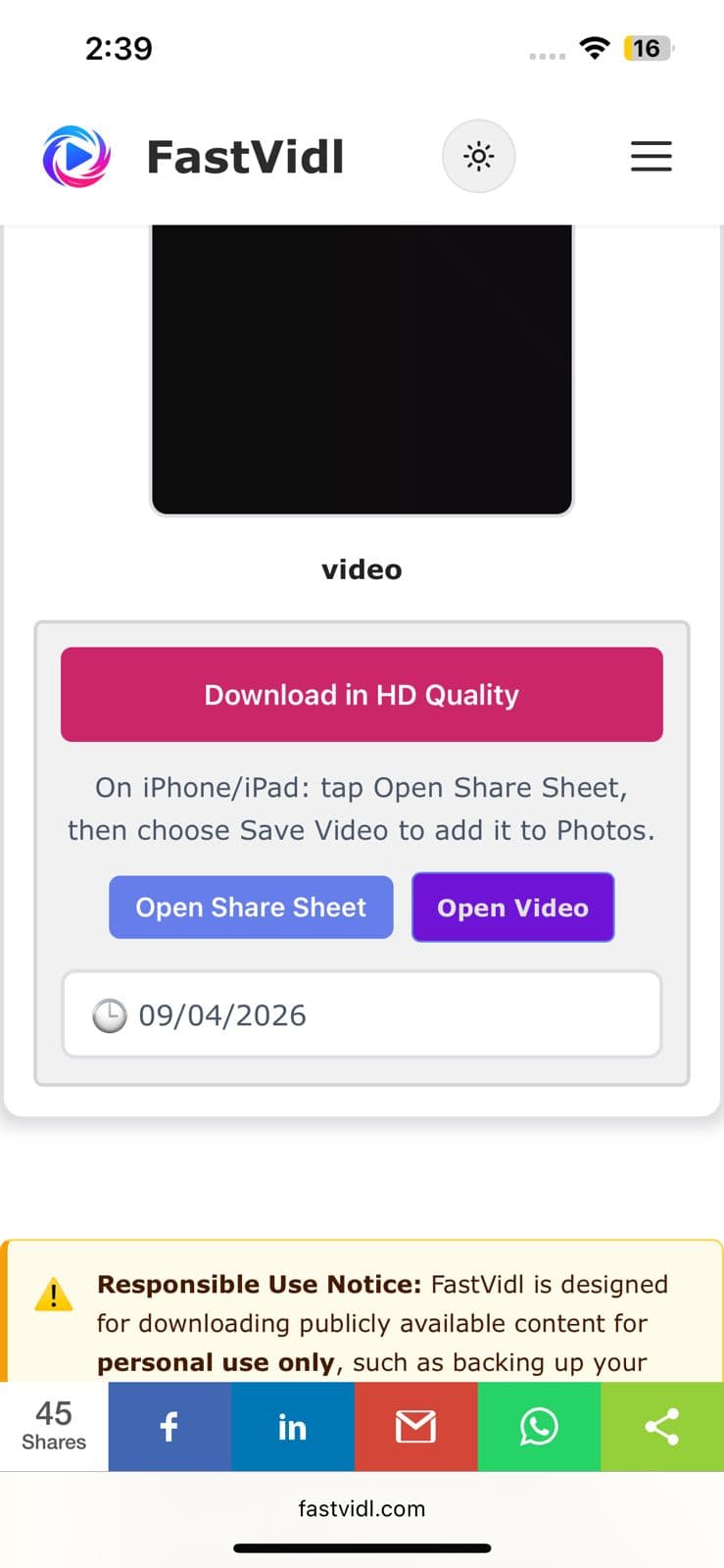
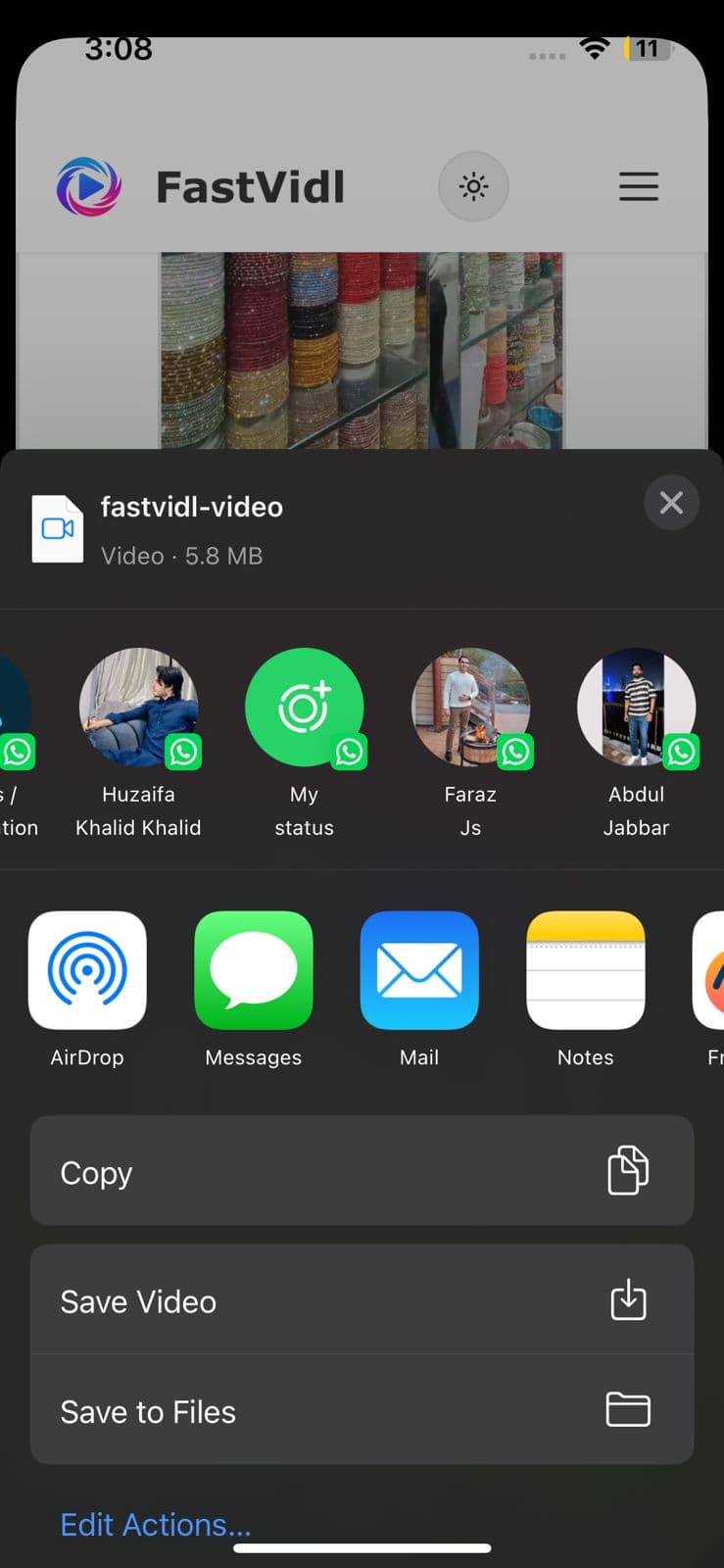
Open the pin in the Pinterest app, tap the share icon, and tap "Copy link". Switch to Safari, open fastvidl.com, paste the link, and tap Download. When the video is ready, tap "Download in HD Quality", on iPhone and iPad, FastVidl then shows an "Open Share Sheet" button. Tap it, and in the share sheet choose "Save Video" to save the clip straight to your Photos gallery. That's the quickest way to get a video into your camera roll without extra apps or shortcuts.
You can also use the standard Safari download flow: iOS may ask whether to save the file, choose "Download", then find it in the Files app and move it to Photos if needed. On iOS 13 and later, both options work entirely in Safari.
On Android
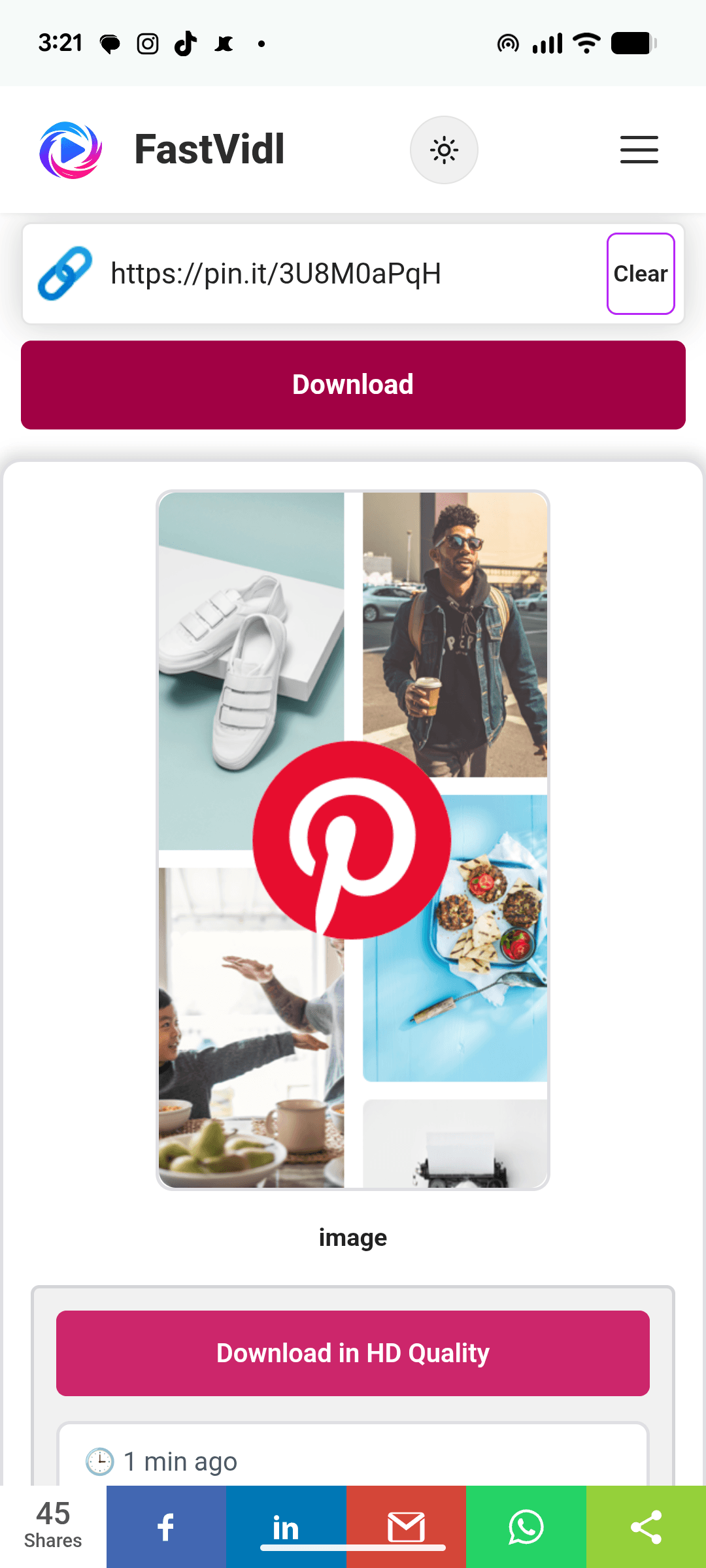
Copy the pin link from the Pinterest app the same way, open this page in Chrome, paste, and tap Download. The video saves straight to your Downloads folder and shows up in your gallery automatically on most devices.
On Windows or Mac
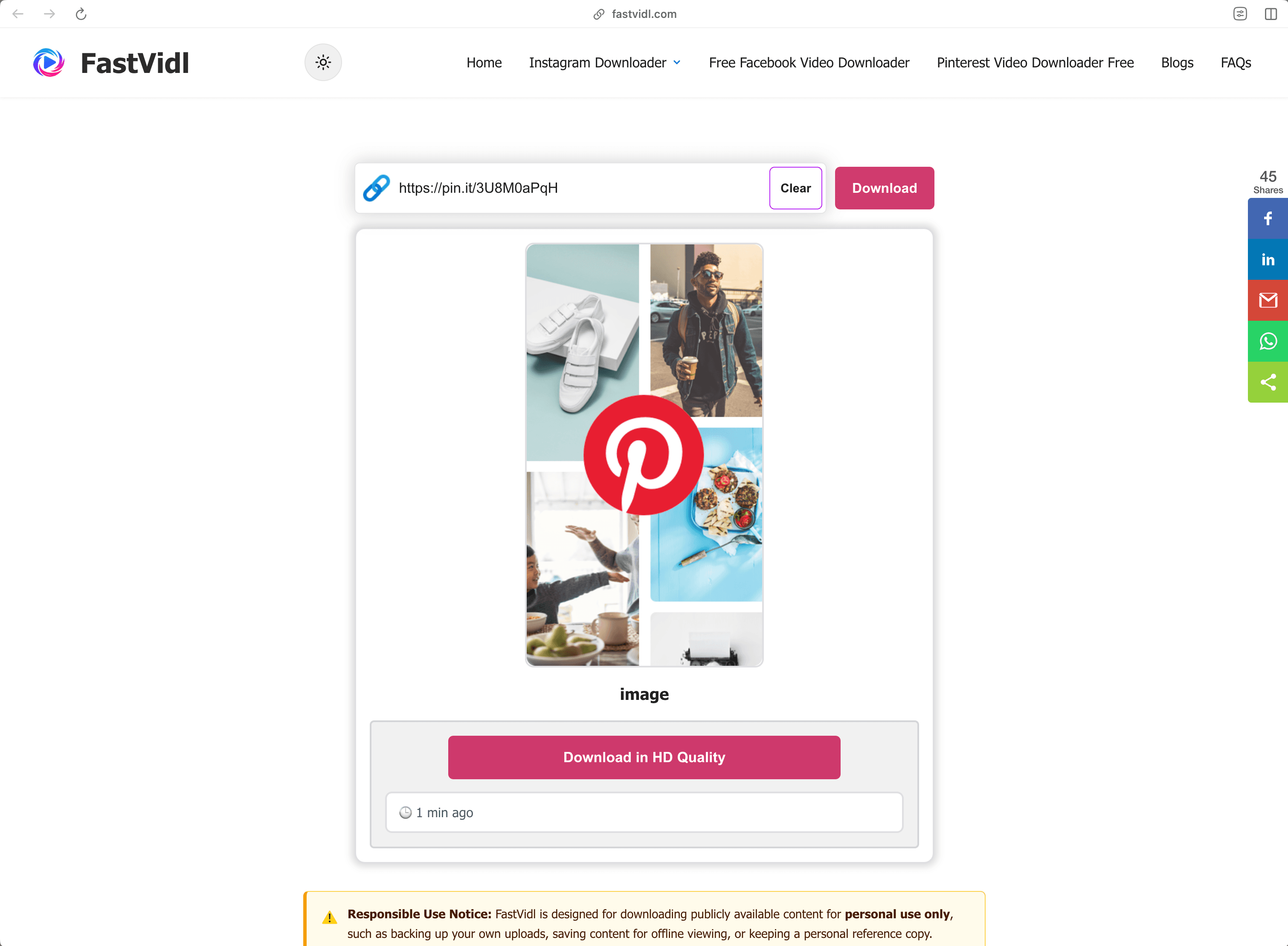
On desktop, you can copy the pin's URL directly from the address bar, it looks like pinterest.com/pin/1234567890/. Paste it here, click Download, and the MP4 saves to your default downloads folder.
Which links work?
FastVidl understands every public Pinterest video link format:
- Full pin URLs like https://www.pinterest.com/pin/1234567890/
- Short share links like https://pin.it/abc123 (these are what the mobile app copies)
- Regional domains such as pinterest.co.uk, pinterest.de, or pinterest.com.mx
It works with video pins and idea pins that contain video. It can't download private pins, pins on secret boards, or image-only pins, for images, use a screenshot or Pinterest's own image download option.
Troubleshooting: why won't my video download?
A few common causes, in order of likelihood:
- The pin is private or on a secret board. Only publicly visible pins can be fetched. If you can open the pin in an incognito window without logging in, it's public.
- The link points to a board or profile, not a pin. Make sure the URL contains /pin/ or is a pin.it short link to a single pin.
- The pin contains only an image or a GIF. Video download only works for pins that actually contain video.
- The link was copied incompletely. Re-copy it and make sure nothing was cut off.
If a public video pin still won't download, the pin may use a format we don't support yet, let us know through the contact page
Quality, watermarks, and privacy
FastVidl downloads the original video file that Pinterest serves, so the quality you get is exactly the quality the creator uploaded, typically 720p or 1080p. We never re-encode the video or stamp anything on it, which is why there's no watermark: you receive the file as-is.
We don't ask for your Pinterest login (no legitimate downloader should), we don't store the videos you download, and we don't keep a history of your links. Everything runs over HTTPS directly in your browser.
Is it legal to download Pinterest videos?
Downloading a public video for personal, offline use, saving a tutorial to watch later, keeping a reference for a project, is generally fine. What you can't do is republish or commercially reuse someone else's content without permission: downloading a file doesn't transfer any rights to it. When in doubt, ask the creator. See our full disclaimer
Pinterest images, GIFs, and Idea Pins — what's supported
FastVidl is built for Pinterest video today. Here is an honest breakdown of what each pin type does when you paste its link, so you know what to expect before you tap Download:
| Pin type | Supported? | Output format | Notes |
|---|---|---|---|
| Video Pin | Yes | MP4 | The original file Pinterest serves, up to 1080p, with no watermark added. |
| Idea Pin (with video) | Yes | MP4 | Video segments download as MP4. Text-only or image-only segments do not. |
| Image Pin | Not yet supported | — | Dedicated image download is on our roadmap. For now use Pinterest's own "Download image" option (see below). |
| GIF Pin | Not yet supported | — | Animated pins are not supported yet. Pinterest often serves these as looping video, which we plan to save as MP4 in a future update. |
| Carousel | Partial | MP4 | If a carousel contains a video, that video can be fetched. Multi-image carousels are not saved as a set. |
| Board | Not supported | — | We download single pins, not whole boards. Open the individual pin you want and paste its link. |
We only mark a type "Yes" once it genuinely works end to end on real devices. If something shows "Not yet supported", that is honest roadmap, not a limitation we are hiding.
For the full walkthrough on each of those, see our Pinterest image downloader guide, Pinterest GIF downloader guide, and Pinterest Story & Idea Pin downloader guide.
How to save a Pinterest image right now
Until our own image support ships, Pinterest's built-in export is the quickest way to save a still image in its original quality:
- Open the image pin on Pinterest.
- Click the three-dot (…) menu on the pin, or press and hold the image on mobile.
- Choose "Download image" (or "Save image").
- Pinterest saves the original file, usually a JPG, sometimes PNG or WebP, straight to your device.
When FastVidl adds native image and GIF downloads, we will update this page and note it in our recent-updates log.
Frequently asked questions
Our testing notes
In July 2026 we tested public Pinterest video pins on desktop Chrome and mobile Safari. Most pins processed in 8 to 15 seconds.
We re-run these checks monthly on real devices. Read how we test FastVidl for devices, browsers, and pass/fail criteria.
More from FastVidl
FastVidl also supports other platforms: TikTok Video Downloader, and Facebook Video Downloader.